 Unbulk Cleaner
Photo cleanup
Spot duplicates, near-identical shots, blurry photos and forgotten screenshots. Keep the best one and clear the rest in a single pass.
DuplicatesSimilarBlurredScreenshots
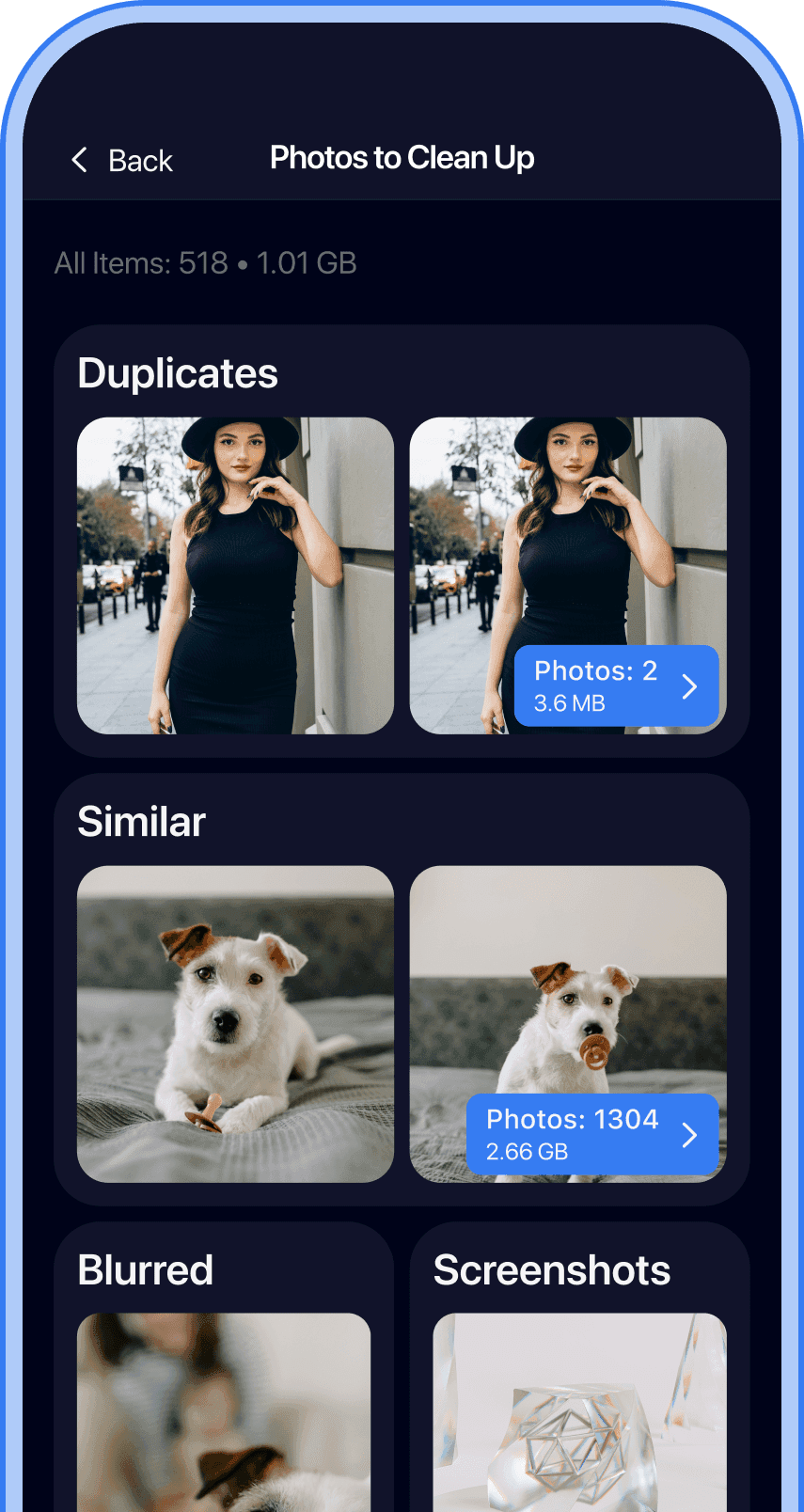
Unbulk Cleaner finds duplicate, similar and blurry photos, shrinks heavy videos, tidies up contacts and clears inbox clutter — all in a few taps.
Smart scan groups the clutter for you. You review, you decide, you free up space.
Spot duplicates, near-identical shots, blurry photos and forgotten screenshots. Keep the best one and clear the rest in a single pass.
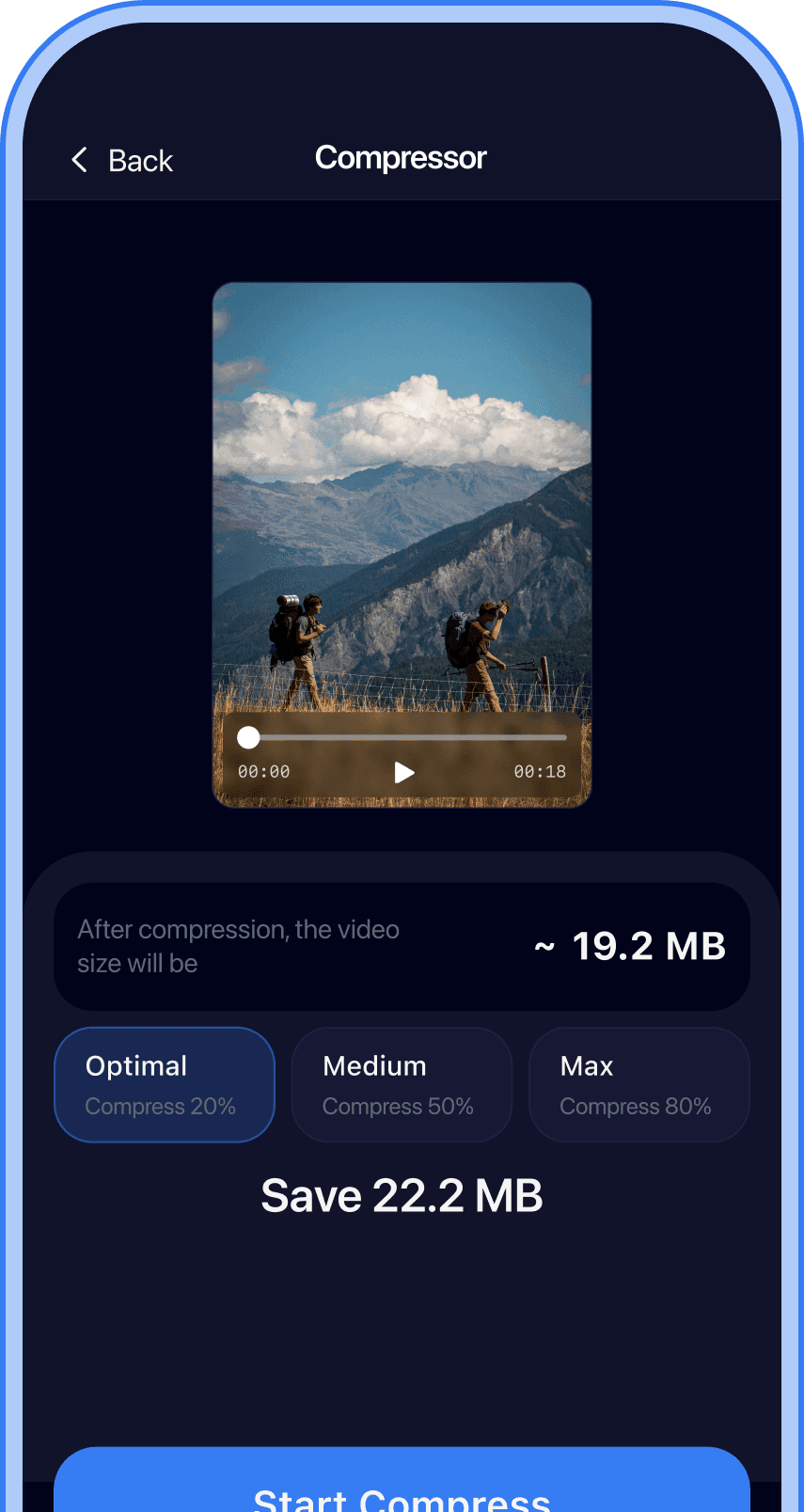
Shrink heavy videos while keeping them watchable. Pick Optimal, Medium or Max.
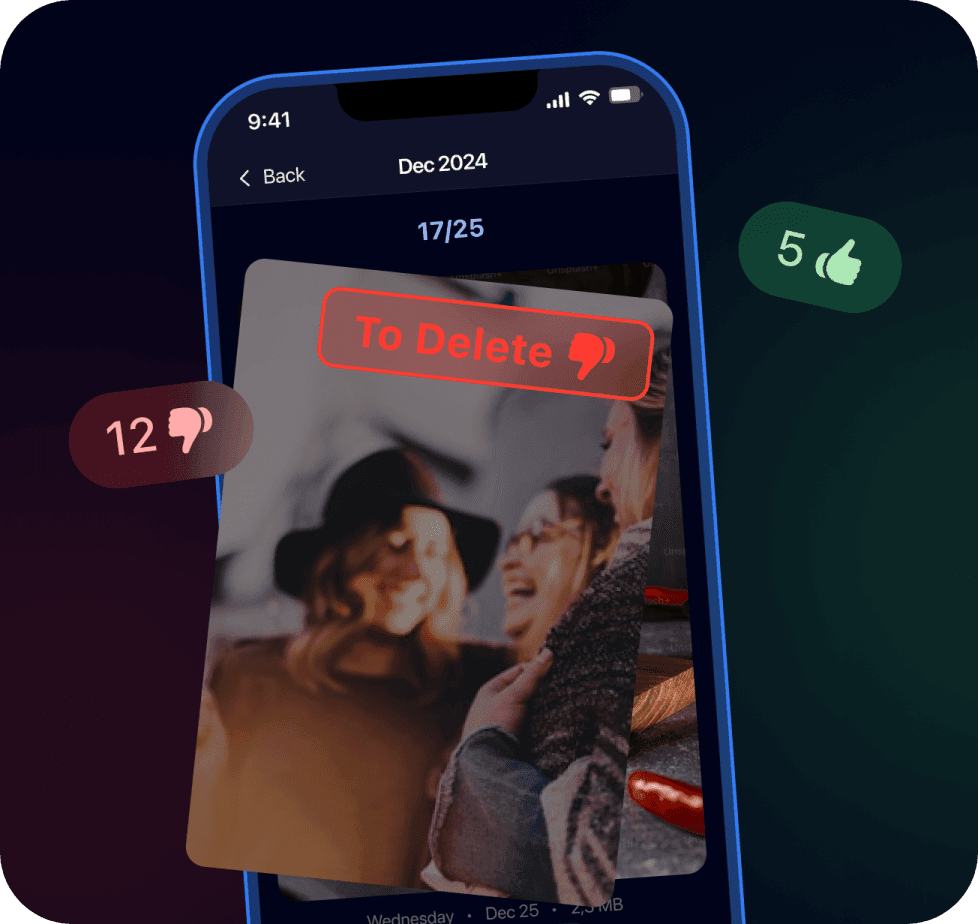
Go through your gallery month by month. Swipe left to delete, right to keep — decluttering feels like a game.
Connect Gmail and see who fills your inbox. Move all mail from a sender to Trash or unsubscribe from newsletters in one tap.

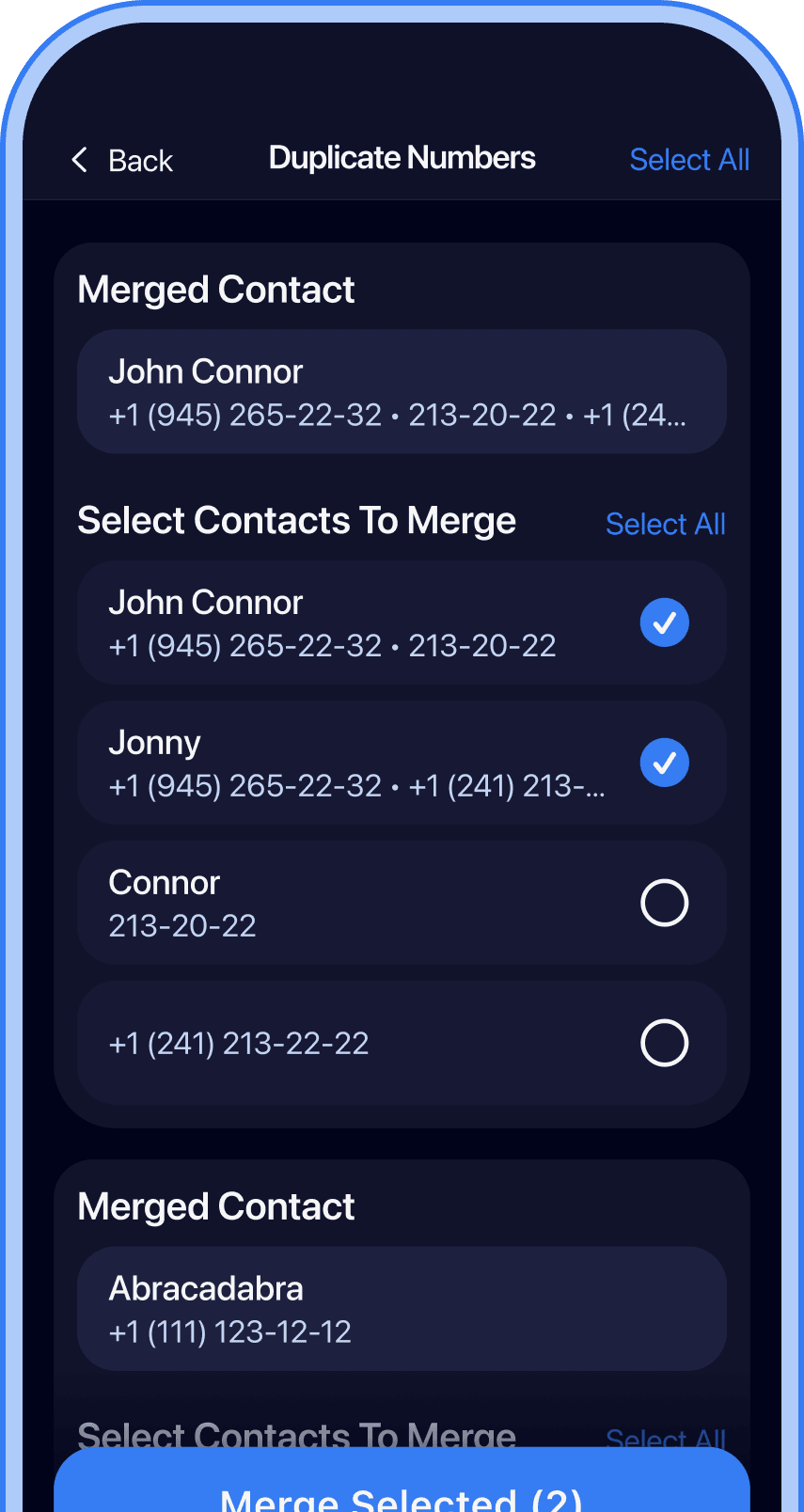
Find duplicate names and numbers, merge them into one clean card, and fix contacts with missing details.
Catch near-identical recordings and sort the rest by size to find the clips that quietly eat gigabytes.
Give access to your library and let the smart scan sort photos, videos and contacts into clear groups.
See exactly what was found and how much space each group takes. Keep the best shot, select the rest.
Delete, compress or merge in one tap — and enjoy an iPhone with room to breathe.
Unbulk Cleaner analyzes your library right on the device. We don't upload your photos or videos to our servers and can't see them.
Yes. The app only suggests what to remove — you always review the selection first. Deleted photos and videos move to the Recently Deleted album in Photos, where iOS keeps them for 30 days.
No. Your library is analyzed on your iPhone. Photos, videos and contacts are not sent to our servers.
You sign in with your Google account and grant access to Gmail. The app groups messages by sender so you can delete them in bulk or unsubscribe from mailing lists. You can disconnect your account at any time.
You choose the level. Optimal keeps videos looking great while saving space; Medium and Max save more. The app shows the expected size before you start.
Write to support@airshow.dev — we read every message and usually reply within a day or two.

Download Unbulk Cleaner and get back gigabytes in minutes. Questions or feedback? We're one email away.